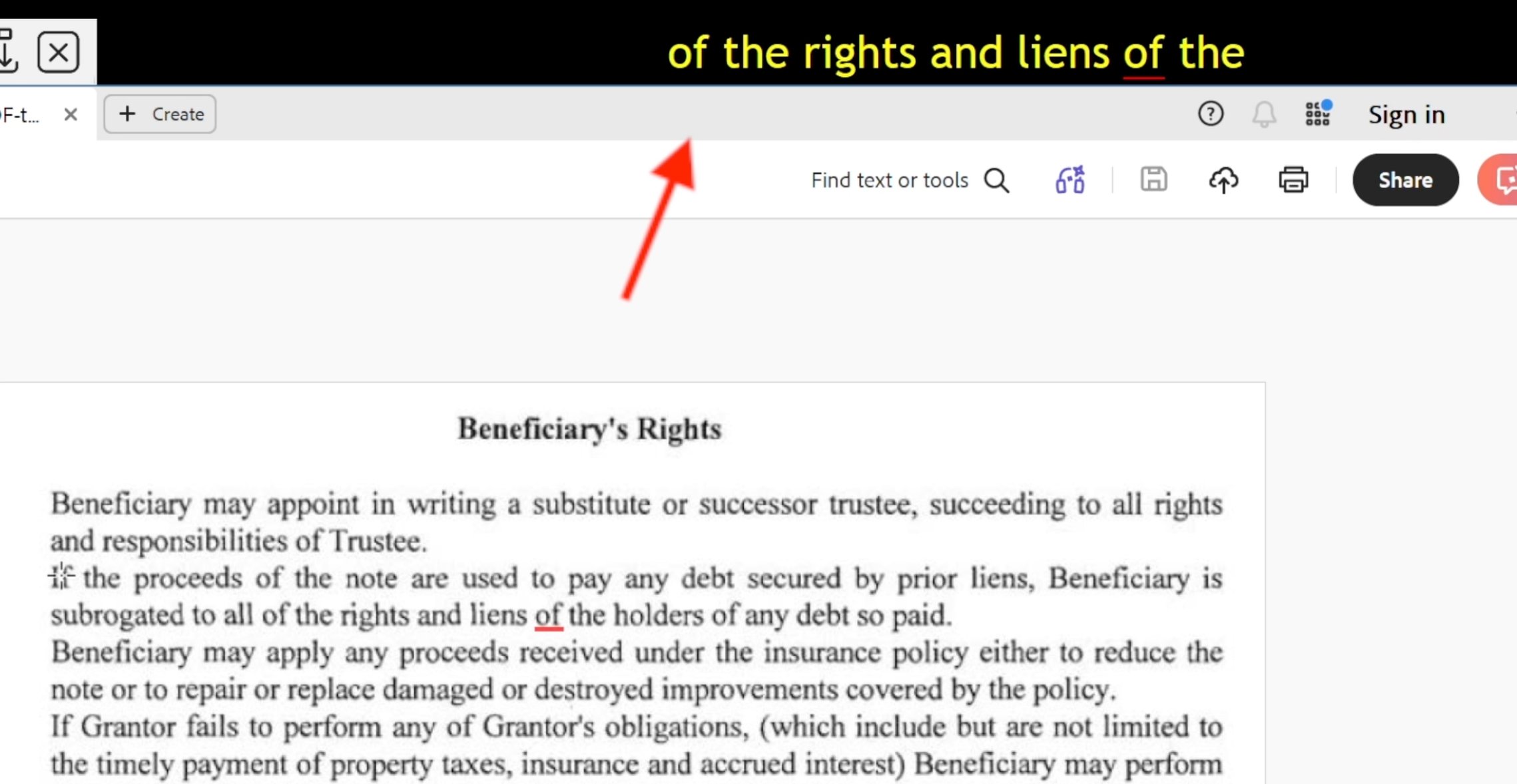
| This is our biggest release to date: Readable is now designed to read any text on screen, in any Windows application. It has always read the live text your applications provide and now version 3 adds the rest, recognising text that’s only a picture. A scanned or locked PDF or a photo of a page; you point, and Readable reads it. | |
|
|
|
|
|
 |
|
| Here’s what else is new in v3: | |
|
|
| Throughout, Readable stays true to what matters in our field: fully offline and private, with no document, clipboard or image data leaving the PC; JCQ-compliant for exam use; and approved for UK DSA and Access to Work funding. | |
| Existing users can upgrade to v3 free from a manual update, or just request a fresh assessor / trainer download copy. by emailing us at support@sensory-AT.com | |
| On a Mac? Email support@sensory-AT.com to request the Readable Suite for Mac download. | |
|
We will be hosting a free webinar to give you a guided tour of Sensory Readable v3. Do join us by clicking on the link a and booking your place. Look out for our next mailshot which will include more information regarding Sensory Readable v3 and news of our next webinar showcasing what it can do. |