Sensory Scribe 30 Day Trial
Installation guide – convert 30 day trial into full license
Download options
It is possible to download a 30 day trial of the Sensory Scribe for Windows from our webpage, just click Download and add in your email address and you will receive the download link.
If you already have the 30-day trial of Readable (or Scribe) installed, and you have purchased a license – you can choose to enter the 84-character licence code that we or your supplier will have provided (copy & paste recommended). However, on purchasing a license, you should also receive a direct unique download link for the full software, and can use that link without the 84 character code if its easier for you.
If you have purchased a license but require an 84 character code, then please request at support@sensory-AT.com –
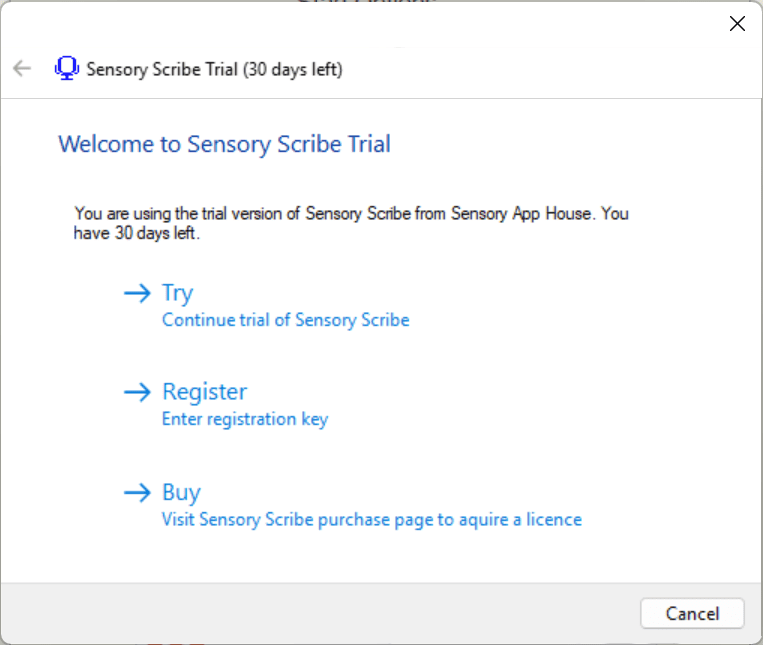
After installation of the Sensory Scribe trial, start Sensory Scribe. You will see the following screen. If you have an 84 digit license activation code, click the Register Button below
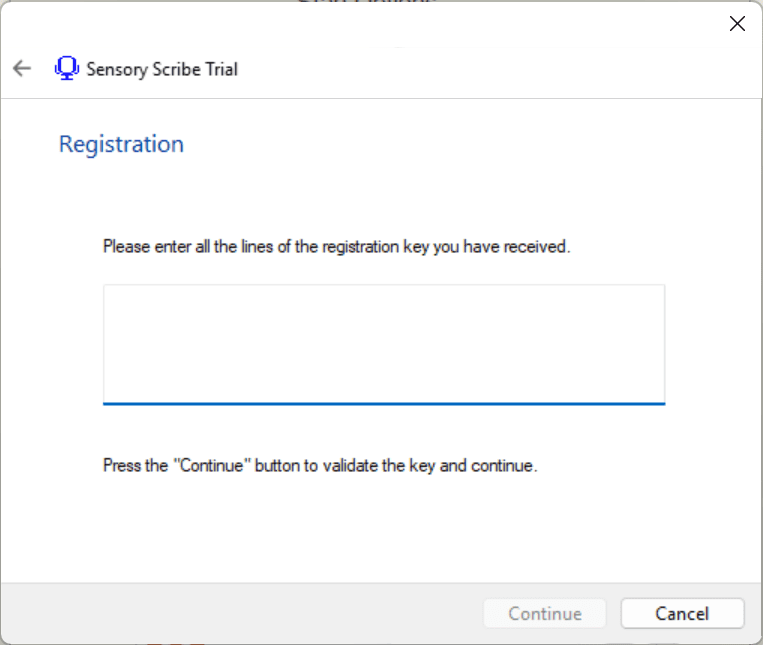
Copy your 84 digit code provided on email by your provider, and enter it as below:
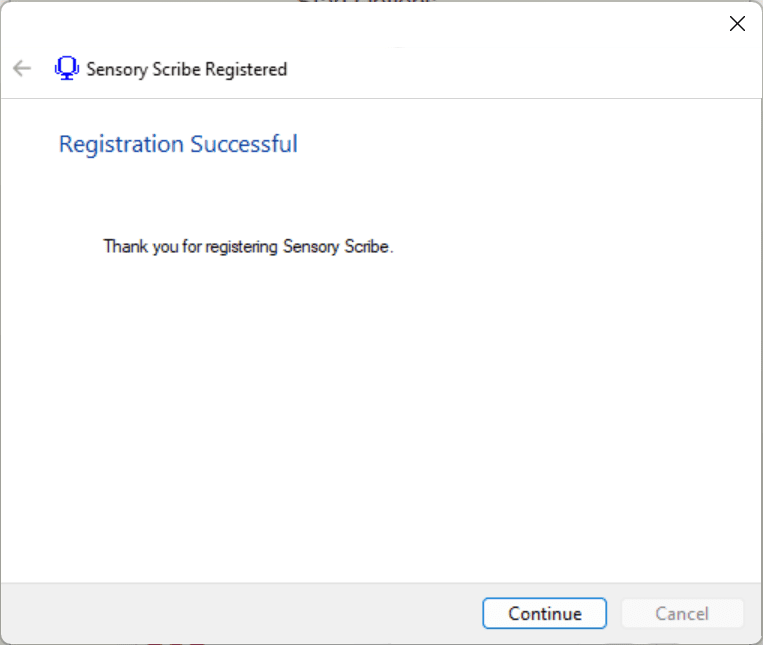
If the key entered is correct, then the Sensory Scribe software will be registered. If there is a problem, please contact your license provider or fill in a download request form. Please note this process only applies to the Sensory Scribe Trial conversion.