Caption Capture
Captions Capture is now superceded by Sensory Scribe. Captions Capture process is embedded into the Sensory Scribe live transcription software, available for Windows 11, Mac and iOS

Caption Capture
Captions Capture is now superceded by Sensory Scribe. Captions Capture process is embedded into the Sensory Scribe live transcription software, available for Windows 11, Mac and iOS

Easy to use
Record & Transcribe
Captions Capture is now superceded by Sensory Scribe. Captions Capture process is embedded into the Sensory Scribe live transcription software, available for Windows 11, Mac and iOS
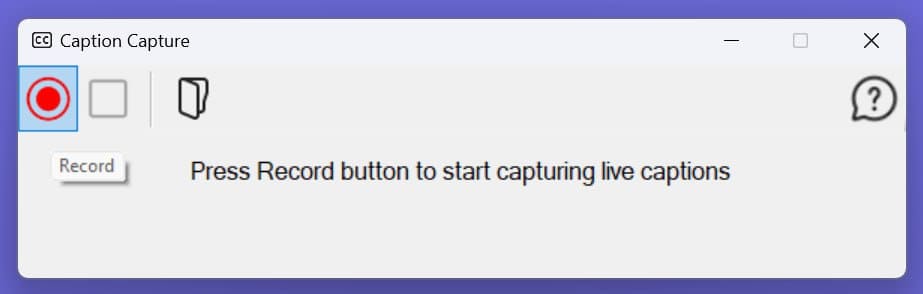
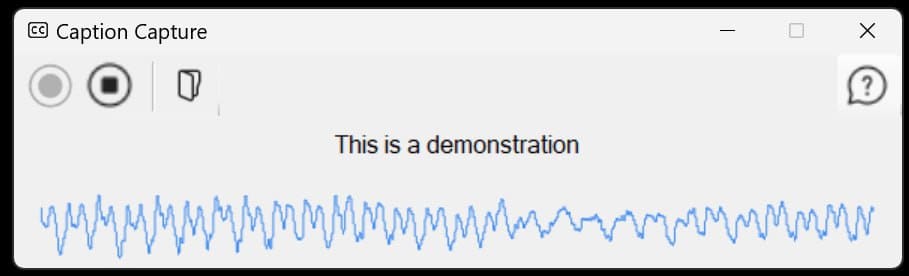
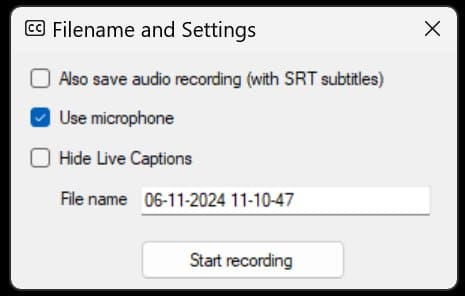
Specification
System Requirements – Caption Capture for Windows requires Windows 11 22/H2 operating system, which itself requires a typical PC specification as below.
The system requirements for Windows 11 22H2 are the same as the initial version of Windows 11:
- Processor: 64-bit processor with at least 1 GHz and two or more cores
- RAM: At least 4 GB
- Storage: At least 64 GB of available disk space
